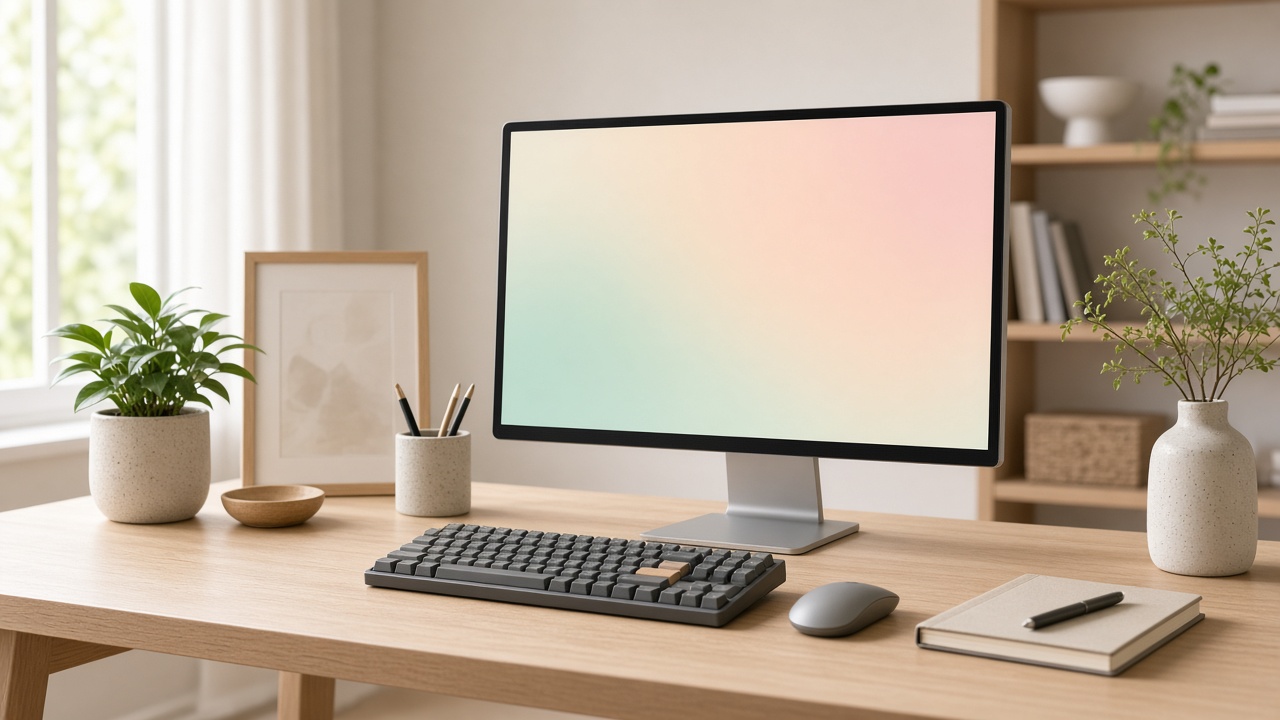
A desk fights you in small ways. The screen is a little low, so your neck tips forward. The keyboard is so deep that the notebook has nowhere to sit. Four chargers argue for the only socket. None of this looks dramatic in a photograph. All of it shows up at four in the afternoon, when your shoulders have made a decision you did not agree to.
Put the top of the screen at eye height
Sit the way you sit when you are working, not the way you sit when someone is measuring you. Look straight ahead. The top edge of the display should be about there, and the screen should tilt back a few degrees so the plane faces you. Laptops fail this test because the keyboard and the screen are one object. A stand, or an external monitor, breaks that compromise.
The Clarity 27 Monitor is in the catalog because the stand lifts. A fixed stand that looks slim in a photo and then forces a stack of books is not a bargain. The panel is matte, which matters if a window sits behind you. Glossy glass turns the room into a second, brighter application.
One computer for the lap, one screen for the desk
The Lumen 14 Notebook is the machine we recommend when the computer has to leave the room. Fourteen inches is large enough for a document and small enough that the charger is not a second bag. Pair it with Clarity when you are home. Close the laptop or set it to the side. Do not spend the day looking down into the laptop while a beautiful monitor shows a calendar you never read.
If you mark up pages more than you type, the Slate Drawing Tablet can take the meeting and leave the notebook closed. A laminated screen, where the pencil meets the line you see, is the difference between notes you trust and notes you redraw later.
Leave a landing zone for paper
Full-size keyboards eat the center of the desk and then people wonder why the desk feels crowded. A compact board with arrow keys, like the Keyline Compact Keyboard, gives the width back. You still have arrows, which many tiny boards delete, and you still have room for a cup that is not balanced on a speaker.
The mouse should not need a charging ritual. The Arc Wireless Mouse uses a replaceable cell on purpose. A mouse that dies every Sunday trains you to keep a second, worse mouse in a drawer. That drawer is how desks become museums.
Cables are a design problem
Route the monitor cable down the stand, not across the keyboard tray. Give the charger a home on the side you do not write on. The Volt charger, covered in our power note, can run the notebook alone or share power with a phone. If a cable is longer than the path it has to travel, coil the extra once and stop. A nest of spare length collects dust and then collects other cables.
A digital checklist beats another gadget
Before you buy a second screen, write down the jobs of the first one. The Desk Signal Workspace Pack is a digital file, not a device: folder templates, a backup worksheet, and a short guide to notification rules. It will not fix a low monitor. It will stop the computer from pinging you every time the monitor is finally at the right height.
Set the screen, clear one charger, and type for an hour. If your neck is quiet, the desk is done. The rest of the computing catalog can wait until a real job asks for it.